





.svg)
.svg)



Content Templates
ZoomInfo Frequently Asked Questions Template
Customize this training to give your sales team the help they need directly in ZoomInfo – or any tool they’re using. Chat with Spekit today to get started.
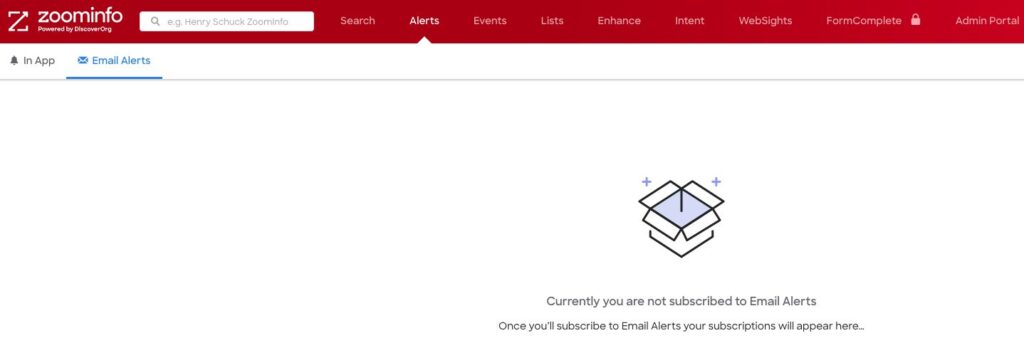
Users must be subscribed to Email Alerts to see them
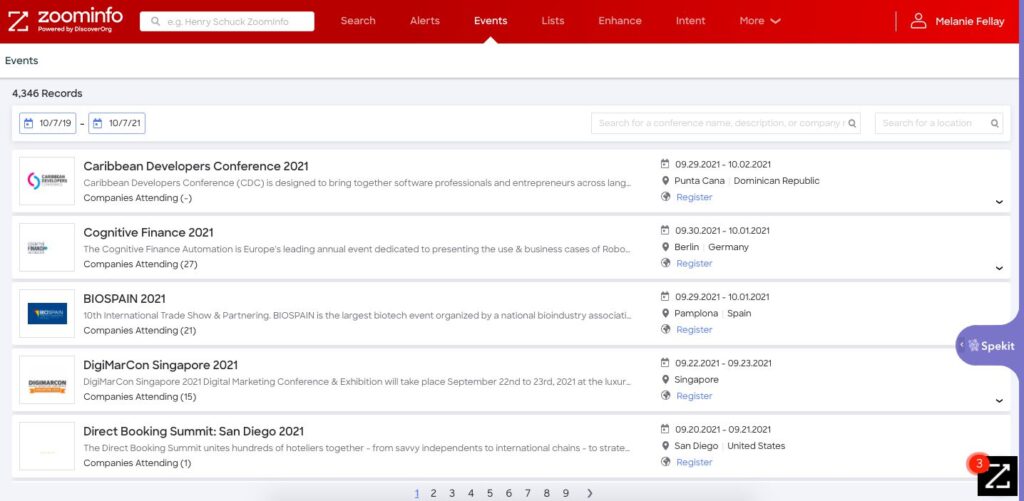
Keep track of all of your conferences from Events
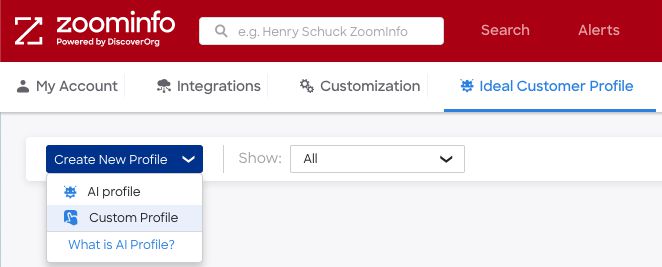
First, review our Ideal Customer Profiles here:
How to create a new Ideal Customer Profile
(ICP)

👉 Pro tip: Drag the slider to assign a weight to each attribute
Contact
Company
Location
Postal Code
Street Address
Technologies
Alerts – How to set up alerts based on your ICP (Ideal Customer Profile)
In App – Alerts can be added for:
There are three main use cases for sales and marketing teams using intent data in 2020:
The ZoomInfo Knowledge Center contains material for the following:
1) Click the blue Upload Lists button to start the process
List Type
2) Click to select the kind of list you are uploading
3) Click to determine it you want to use:
4) Click Next
Input List
5) Click to select the list source:
6) Click Next
Name List
7) Name your List
8) Give your List a Description
9) Create a Tag for your List
10) Click to Customize Export from Settings
11) Click Next
Mapping
12) My File Fields offers two options for each field from the associated drop-down
13) When you have completed the mappings, click Submit
Question: What are Scoops?
Answer: Scoops are unique insights that can be used to identify potential buying signals for your Ideal Customer Profile (IDP)