The enablement market has shifted from make it searchable to make it actionable in the flow of work. With more tools, more change, and less time, the real question isn’t “Can my team find information?” It’s “Can my team execute with confidence at the exact moment it matters?”
Guru earned mindshare as a modern wiki that centralizes knowledge and makes it searchable across Slack and Chrome.
Spekit is a governed content library powered by an AI-first knowledge engine. It unifies content management, coaching, and buyer engagement, and delivers the right guidance just-in-time, in the flow of work.
To help you choose, we spent years analyzing Guru and Spekit: reading docs and reviews, watching public demos, mapping workflows, and interviewing thousands of practitioners across enablement, RevOps, and IT. Here’s what we found.
TL;DR: Our Conclusions
Guru is a knowledge management system built for internal documentation. It centralizes FAQs, SOPs, and policies, verifies freshness with governance, and makes content searchable via extensions. Great for Ops/IT standardizing internal documentation.
Spekit is a governed content management system built for revenue teams. It matches Guru's verification and ownership model, then adds automated decay detection, AI Sidekick™, Playlists, Deal Rooms, and Revenue Insights, delivering guidance contextually in Salesforce, email, and other tools. Purpose-built for onboarding, ongoing readiness, tool adoption, and measurable pipeline outcomes.
Guru is a company wiki.
Spekit is a governed knowledge base with content ownership and version history on every answer, and it surfaces that knowledge in the flow of work in Slack, email, Salesforce, and Gong, or via MCP in LLMs like Claude. If you want your single source of truth and the delivery layer in one platform, that's Spekit.
Comparison Summary
Guru vs. Spekit — Comparison Summary
Category
Guru
Spekit
Core purpose
Modern wiki / knowledge hub
Governed content library plus AI-powered enablement in the flow of work
Live in hours; fast rollout with AI creation and OOTB packs
Search experience
Manual search via extension; G2 reviewers frequently cite inefficient search and search functionality issues
Contextual delivery via AI Sidekick that reduces or eliminates manual search
Best fit
Centralized internal documentation
End-to-end revenue enablement and adoption
What Is Guru?
Guru is a cloud KMS that stores institutional knowledge as Cards and makes it discoverable via browser and chat integrations. Teams use it to house policies, process docs, and FAQs, verify accuracy with Trust Scores, and answer questions via a Chrome or Slack extension.
Where it excels: governance, internal Q&A, tidy documentation.
Where it struggles: contextual delivery, external buyer engagement, and tying content to revenue outcomes.
What Real Users Say About Guru’s Search (G2)
Across G2 review tags, the same theme repeats: search is inefficient.
Inefficient searching
Search functionality
Search functionality issues
Inefficient search
Inefficient search functionality
What that means in practice: reps still need to open the extension, type, sift, and hope the right card appears. If the habit to search isn’t there, the knowledge doesn’t get used. This is exactly the gap Spekit closes with AI Sidekick, which proactively delivers the right guidance in the flow of work so reps don’t have to remember to look.
Spekit is the AI-powered enablement platform built to deliver knowledge, content, and coaching in the flow of work. It blends intelligent content management with AI Sidekick™ for just-in-time delivery, Playlists for dynamic learning journeys, Deal Rooms for buyer experiences, and Revenue Insights to tie interactions back to pipeline and wins.
Where it excels: contextual enablement, tool adoption, change management, and measurable revenue impact.
Deep Dive: Guru vs. Spekit Across 7 Core Use Cases
Gaps: Manual upkeep, no out-of-box content, limited external-facing controls
Spekit
Structure: Modular Speks authored in Spekit or synced from Google Drive, SharePoint, Confluence; supports decks, PDFs, video
AI governance: Flags outdated content, detects duplicates, surfaces low-adoption assets
Playlists: Curate cross-repo content into guided journeys for onboarding, role paths, or industry playbooks
Why it matters: Content stays accurate and packaged into journeys that actually get consumed
Intelligent Content Management in Spekit
2) Contextual Delivery in the Flow of Work
Guru Search-first: open extension → type → pick a card. Effective if reps remember to search.
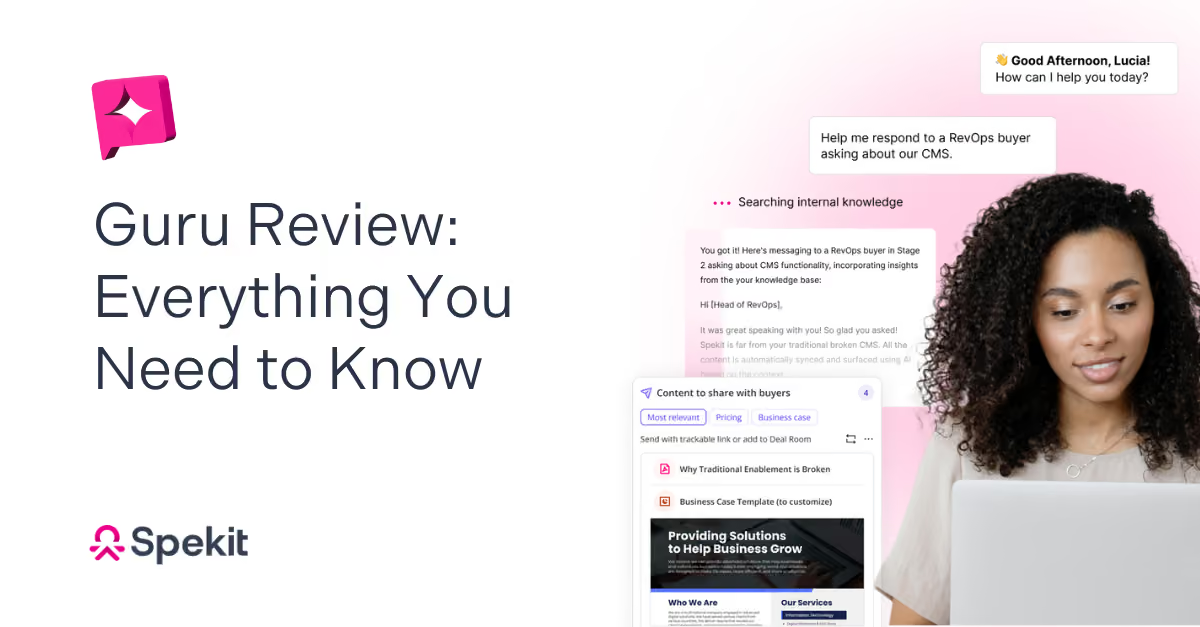
Spekit AI Sidekick™ anticipates needs using signals from Salesforce, email, and call intelligence tools, and pushes answers, content, and coaching right where work is happening. Tooltips add hover-level hints next to fields and buttons to reduce clicks and errors.
3) Sales Onboarding and Everboarding
Guru Great as a reference library; sequencing and reinforcement typically live elsewhere.
Spekit Playlists power onboarding, role-based paths, and refreshers that live where reps work; Sidekick provides proactive nudges and call prep; Revenue Insights correlates completion and consumption to pipeline/wins.
Guru Publish a card, announce in Slack, hope people see it.
Spekit Targeted in-app alerts, real-time sync, and a governance dashboard to prevent drift and speed adoption.
5) Buyer Engagement and External Sharing
Guru Not a CMS for external content; no streamlined buyer rooms.
Spekit Deal Rooms let reps curate buyer-ready content via a single, trackable link; real-time notifications show who viewed what and for how long; Revenue Insights attributes influence to pipeline and revenue.
Spekit Deal Rooms Automatically Recommend the Best Content
6) Analytics and Revenue Impact
Guru Focus on internal consumption/freshness; no direct CRM tie-in to opportunity stages.
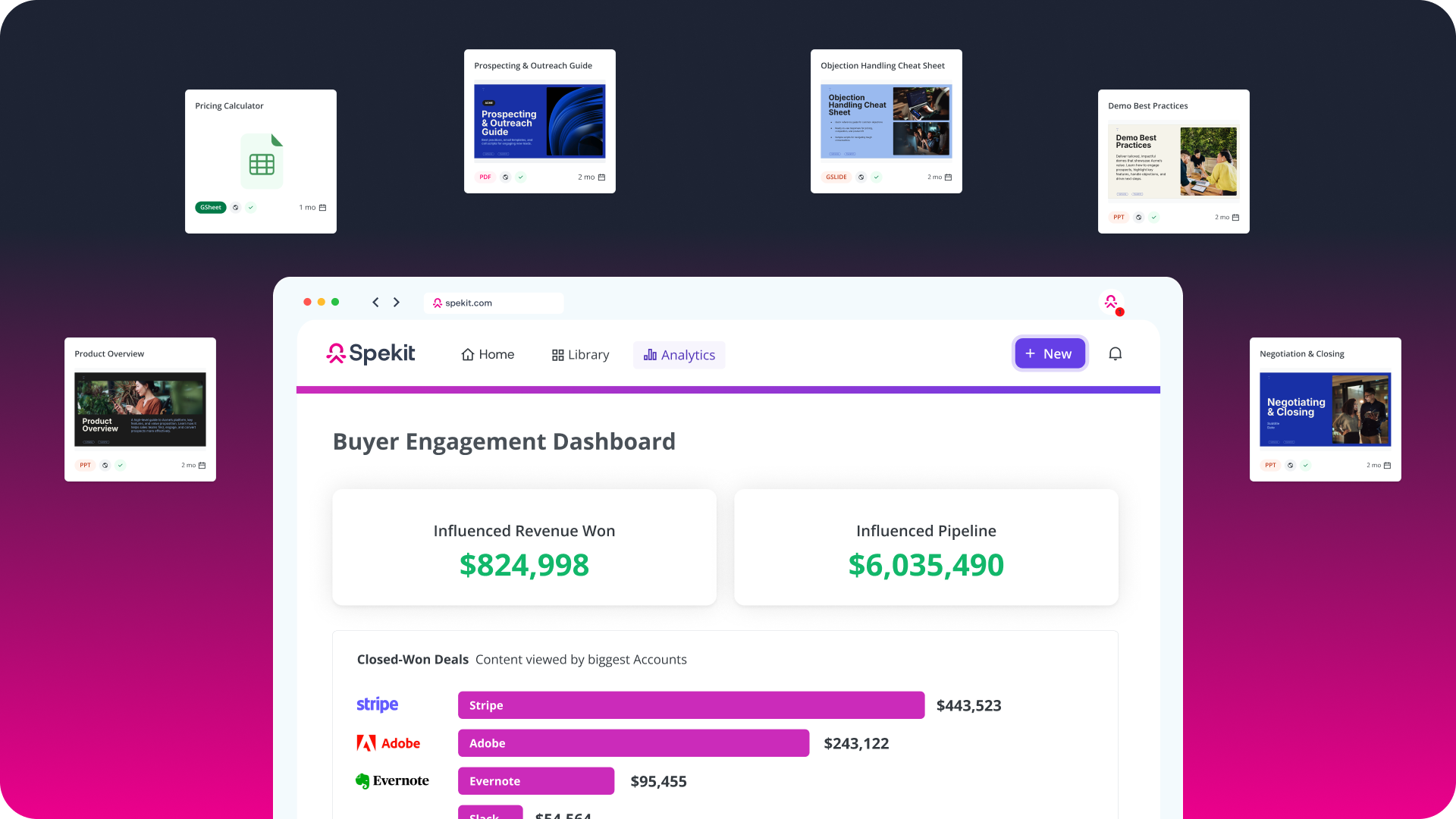
Spekit Revenue Insights correlates content and room engagement to influenced pipeline, revenue won, and stage progression—so you see which assets move deals and where execution breaks.
Spekit Content Engagement Analytics
7) Admin Experience, Setup, and Scale
Guru Familiar wiki paradigm; hierarchy and tagging require ongoing manual care.
Spekit AI-assisted creation, OOTB packs, minimal IT, deep Salesforce mapping; customers are live in hours with governance automation that reduces admin tax.
“Speed to implementation? We were ready to go in 24 hours… 92% license utilization and 84% extension usage in 30 days.” — Jenna Siegel, InMoment
AI: Search vs. Just-in-Time
Guru AI: helps capture and retrieve knowledge. Users still initiate the search.
Spekit AI: proactive, contextual agents anticipate needs, recommend content, create Deal Rooms, draft emails, and handle change notifications—without extra clicks.
If AI is a feature, you get faster search.
If AI is the system, you get faster execution.
User Experience in Practice
Guru UX: Clean, card-based; works as a reference library. Adoption depends on the habit to search.
Spekit UX: Designed for zero friction. One hover to clarity. One click to share. No tab switching to learn. Adoption follows.
How it works in real life
Fewer steps. Less friction. More selling.
With Spekit
Just-in-time, in the flow of work
1
See the hint where you work
Hover a field or open Sidekick. The right guidance appears without switching tabs.
2
Act instantly
Insert the answer, launch a Playlist, or one-click create a Deal Room.
3
Track impact automatically
Buyer engagement and content influence sync to Salesforce via Revenue Insights.
With Guru
Search-first wiki workflow
1
Open the extension
Leave your task to launch the wiki or browser add-on.
2
Type & sift
Enter a query, scan results, expand a card, and hope it’s current.
3
Copy, paste, return
Copy guidance into your tool and repeat when context changes.
Pricing and Packaging
Note: Pricing changes. Confirm with each vendor.
Guru
Basic: $25/User/Month for limited functionality
Enterprise: Custom
Spekit
Completely customizable based on the company size and use case
Many teams consolidate multiple tools with Spekit (wiki + LMS bits + DSR + change comms) and reduce total cost/admin overhead. Average ROI with Spekit is under 3 months.
Pros and Cons
Guru Pros
Strong verification and ownership model
Solid Slack and Chrome integrations
Easy to start for internal documentation
Guru Cons
G2 reviewers frequently cite inefficient search and search functionality issues
Not built for external buyer engagement or revenue attribution
Manual upkeep, no OOTB content, rigid hierarchy
Spekit Pros
Contextual AI reduces clicks and increases consistency
Deal Rooms + Revenue Insights connect enablement to pipeline
Playlists for onboarding/everboarding in the flow of work
Fast implementation, minimal IT, governance automation, OOTB packs
Spekit Cons
Broader system requires mindset shift from “wiki” to “enablement”
Teams should align on outcomes and owners up front
Real-World Fit: Who Should Choose What
Choose Guru if you:
Need a centralized wiki for policies, SOPs, and FAQs
Prioritize verification workflows over revenue attribution
Want a lighter internal knowledge tool for Ops/IT
Choose Spekit if you:
Need to ramp, reinforce, and coach in the flow of work
Want to measure how content and training impact pipeline
Care about tool adoption and change velocity across Salesforce and your GTM stack
Customer Proof
"I’m actually a third-time buyer of Spekit and it continues to be my go-to. It’s lightweight enough that reps actually use it day-to-day, but still powerful when it comes to surfacing the right info in the flow of work. The Chrome extension + Salesforce embed has been a game-changer for me.I’ve used some of the heavier LMS platforms (Mindtickle, Lessonly), but for true adoption and just-in-time enablement, Spekit has been the one that consistently sticks!" - Hannah McKelvey, Senior Sales Enablement Manager at Medallion
"Our company started using Spekit about a year ago. I’ll be honest—at first, I was that salesperson who preferred to just ask a colleague when I had a question. Fast forward to today, and I can’t imagine working without it. Spekit has become my go-to resource for everything I need—pricing out orders, guiding consultative sales conversations, and having key info at my fingertips every step of the way. It’s made my day-to-day workflow smoother, faster, and a whole lot easier." - Shawn Grose, Account Manager, Data Axle
G2 review tags frequently cite inefficient search and search functionality issues, which means reps still rely on manual searching rather than receiving guidance contextually.






.svg)
.svg)